


































Introduction
MyMonero has historically been one of the most convenient lightweight wallets for Monero, available as a desktop app and web interface. Unlike full-node wallets, it doesn't require downloading the blockchain.
MyMonero is sunsetting its operations. The backend servers will go offline in January 2026. If you have funds in MyMonero, you must migrate your wallet to another provider like Cake Wallet or Monero GUI to avoid losing access.
How to Migrate (Export Seed)
If you already have a MyMonero wallet, your priority should be securing your recovery phrase so you can restore your funds in a different wallet software.
1 Step 1: Log In
Open your MyMonero desktop application or log in via the web interface.
2 Step 2: Access Wallet Details
Click on the "Wallet Details" arrow or the specific wallet card you wish to export.
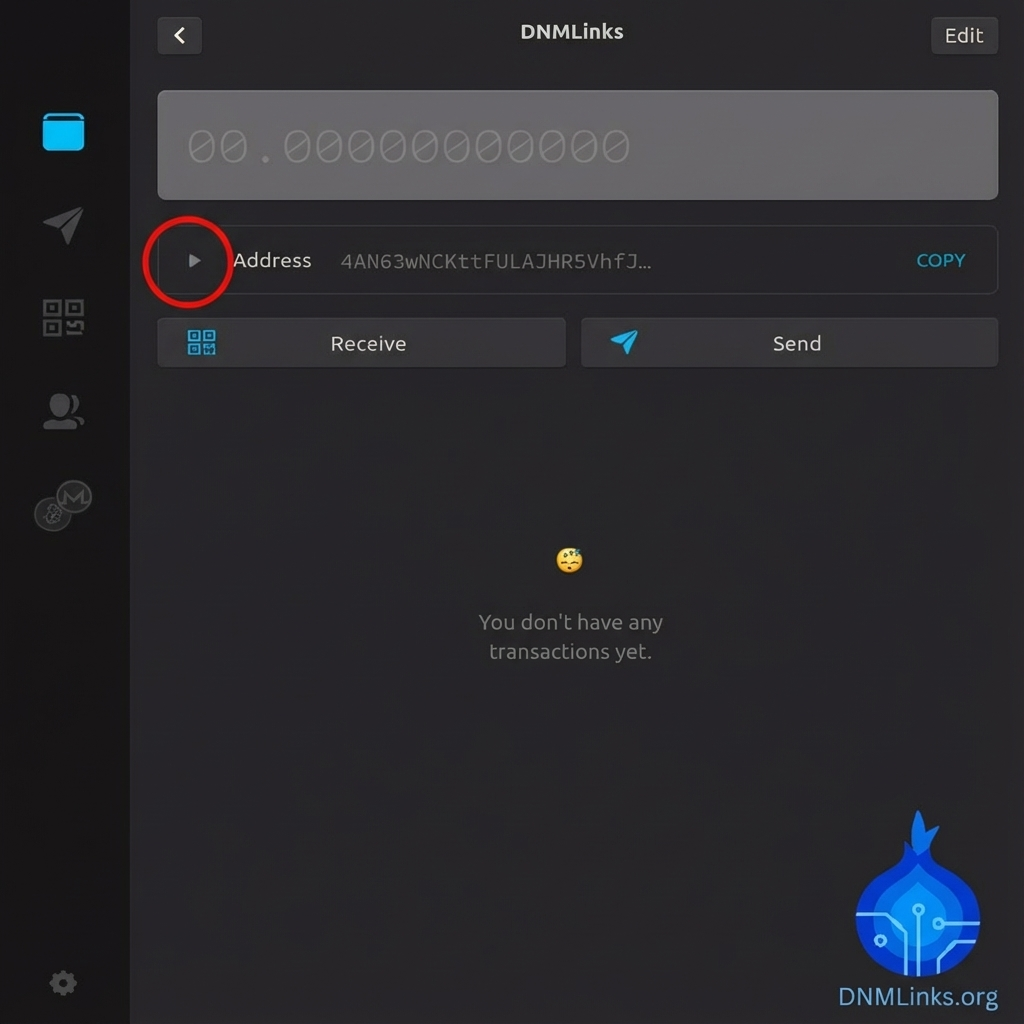
3 Step 3: Reveal Mnemonic Seed
Look for the option labeled "Mnemonic Seed" or "Secret Mnemonic". You may need to enter your password to reveal it.
This is usually a 13-word or 25-word phrase. Write this down immediately.
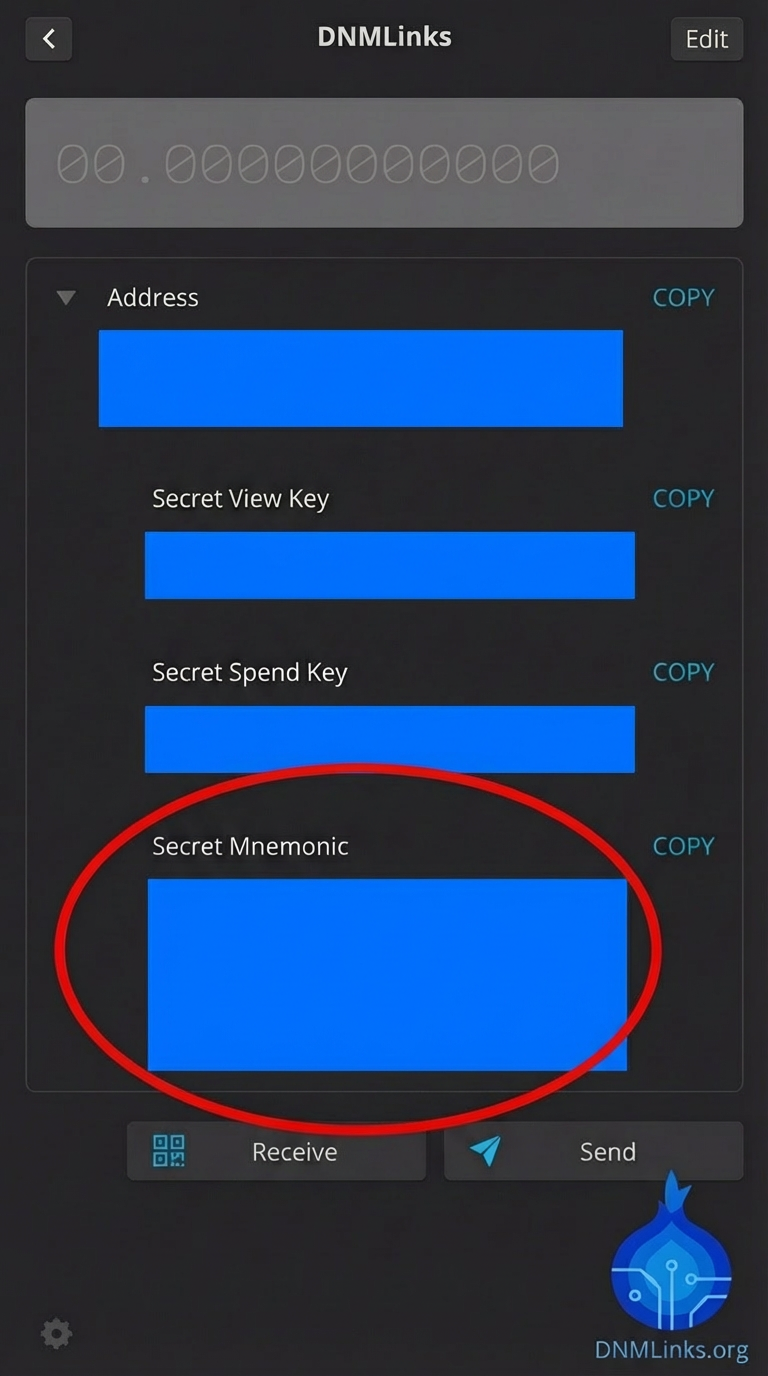
4 Step 4: Restore in New Wallet
Download a new wallet (we recommend Cake Wallet for mobile or Monero GUI for desktop). Select "Restore Wallet" and enter the seed phrase you just retrieved from MyMonero. Your funds will sync and appear in the new wallet.
Creating a New Wallet (Not Recommended)
While it is technically still possible to create a new wallet, we strongly advise against it due to the impending shutdown. If you must use MyMonero temporarily:
- Download the installer from the official MyMonero website.
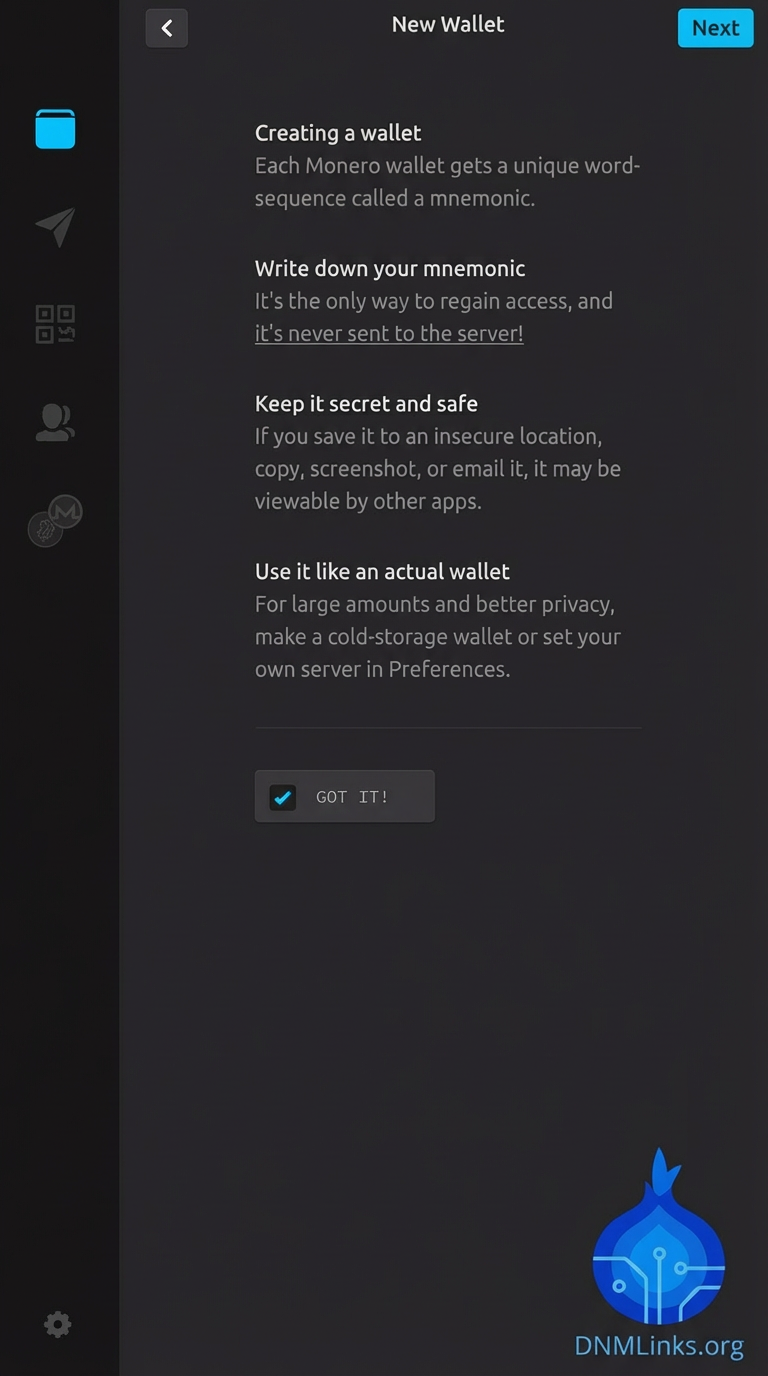
- Open the app and click "Create New Wallet".
- Write down the Mnemonic Seed displayed. This is the only way to log back in. MyMonero does not store your login credentials.
- Confirm the seed to access the dashboard.
Related Articles
Looking for alternative wallets? Check out these guides:
Conclusion
MyMonero served the community well as a lightweight option, but it is time to move on. Please ensure you have migrated your seed phrase to a new wallet solution to ensure the long-term safety of your Monero.
Back to Tutorials






