


































Introduction
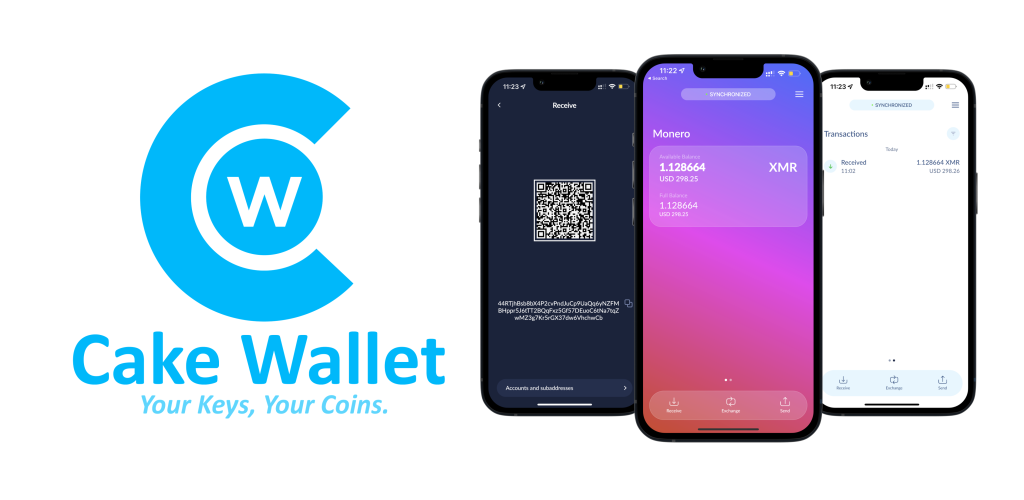
Cake Wallet is a leading open-source mobile wallet for Monero (XMR), Bitcoin (BTC), Litecoin (LTC), and Haven (XHV). It is renowned for its user-friendly interface and built-in exchange features, allowing users to swap other cryptocurrencies for Monero effortlessly without needing a centralized exchange account.
Step-by-Step Installation
1 Step 1: Download Cake Wallet
Go to the Apple App Store (iOS) or Google Play Store (Android) and search for "Cake Wallet". Ensure the developer is listed as "Cake Wallet".
- Official Website Link
- Verify the app logo matches the official branding.
2 Step 2: Create a New Wallet
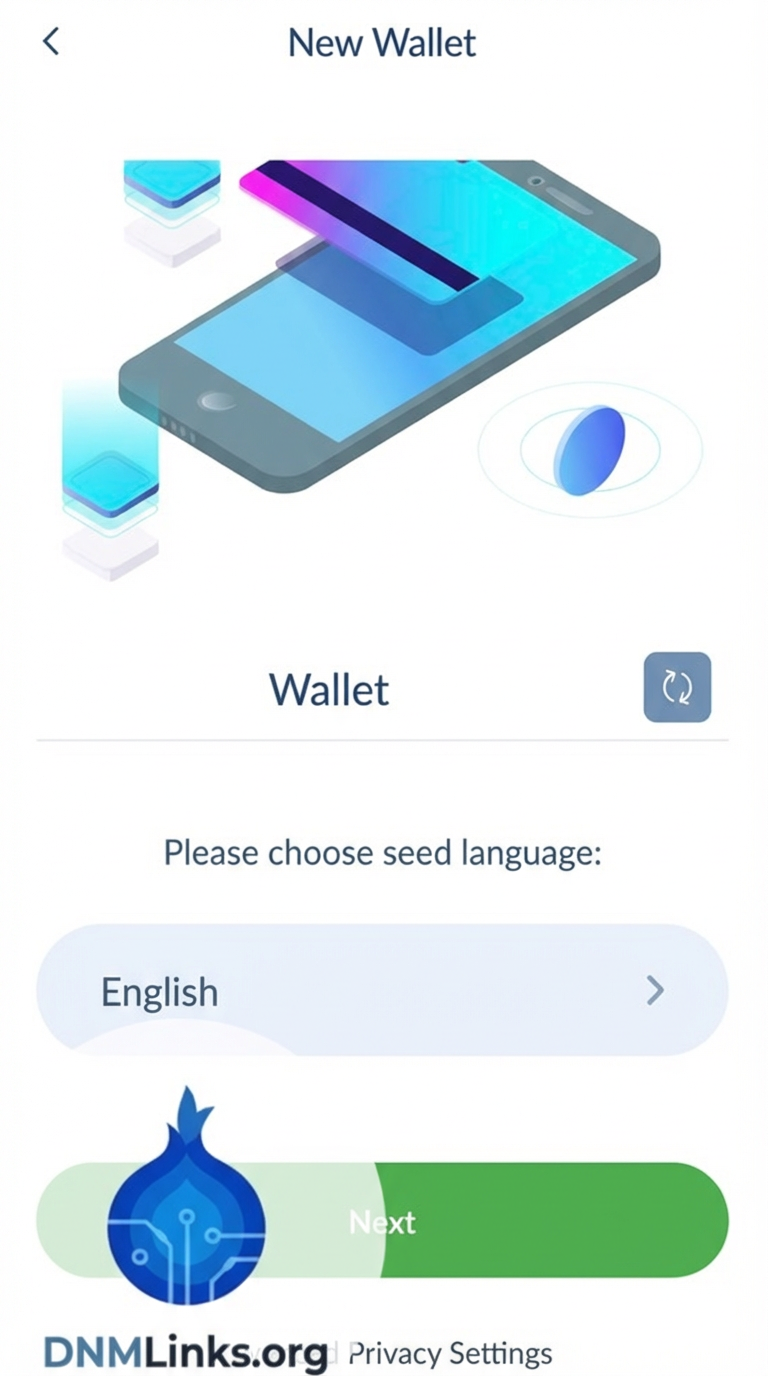
Once installed, open the app. You will be greeted with a welcome screen.
- Tap on Create New Wallet.
- Set a 4-digit or 6-digit PIN code. This protects your app from unauthorized access on your phone.
- Select Monero (XMR) as the currency for your wallet.
3 Step 3: Save Your Seed Phrase (Crucial!)
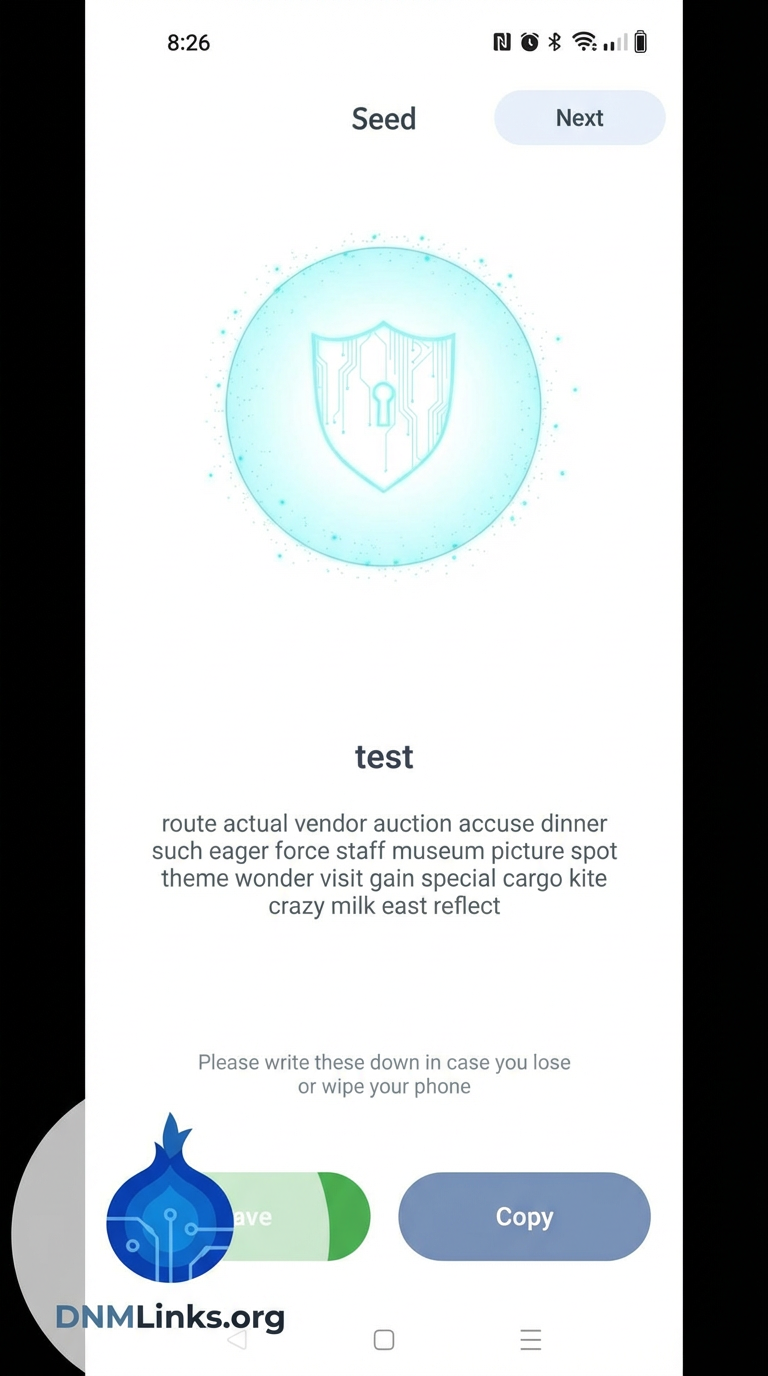
The app will now display your 25-word mnemonic seed phrase.
This seed phrase is the ONLY way to recover your funds if you lose your phone or delete the app. Write it down on paper and store it securely. Do not screenshot it.
Once you have written it down, you may be asked to verify a few words to confirm you saved it correctly.
4 Step 4: Using the Exchange Feature
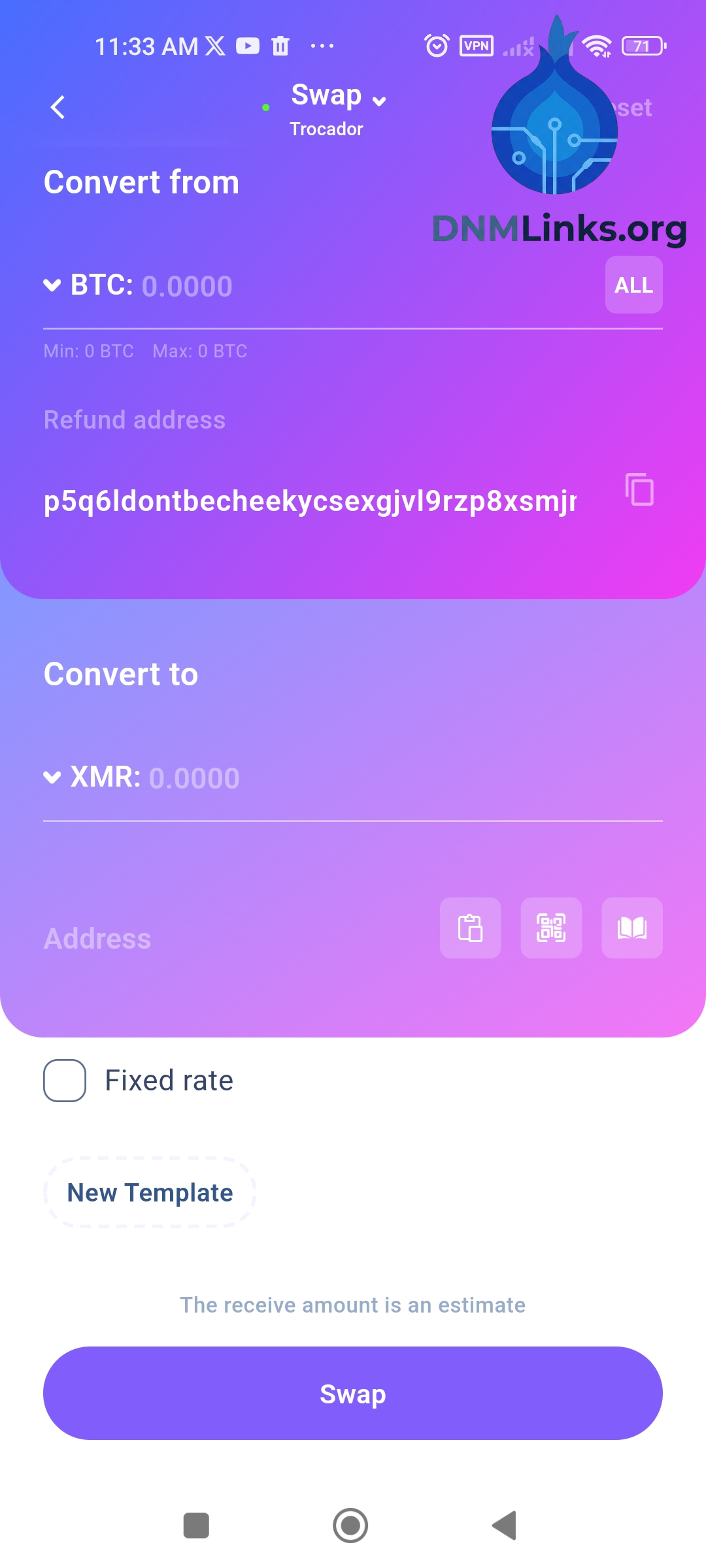
One of Cake Wallet's best features is the ability to swap Bitcoin to Monero anonymously.
- Tap the Exchange button (usually two arrows).
- Select BTC (or LTC) as the deposit currency and XMR as the receive currency.
- Cake Wallet will generate a Bitcoin address for you to send funds to.
- Once the Bitcoin transaction confirms, Cake Wallet will automatically exchange it and deposit Monero into your wallet.
Conclusion
You now have a secure, non-custodial Monero wallet right on your mobile device. Cake Wallet makes it easy to manage your XMR on the go while maintaining high privacy standards.
Back to Tutorials






