


































Introduction
Monerujo is a dedicated Android wallet for Monero that has been a community favorite for years. It is open-source, lightweight, and connects to remote nodes to sync your wallet without downloading the blockchain. It notably supports hardware wallets (like Ledger) via OTG cable, making it unique among mobile wallets.
Step-by-Step Installation
1 Step 1: Download Monerujo
You can download Monerujo from the Google Play Store, F-Droid, or directly from their GitHub.
- Official Website
- Google Play Store Link
- Search for "Monerujo" and verify the developer is "Monerujo".
2 Step 2: Create a New Wallet
Launch the app after installation.
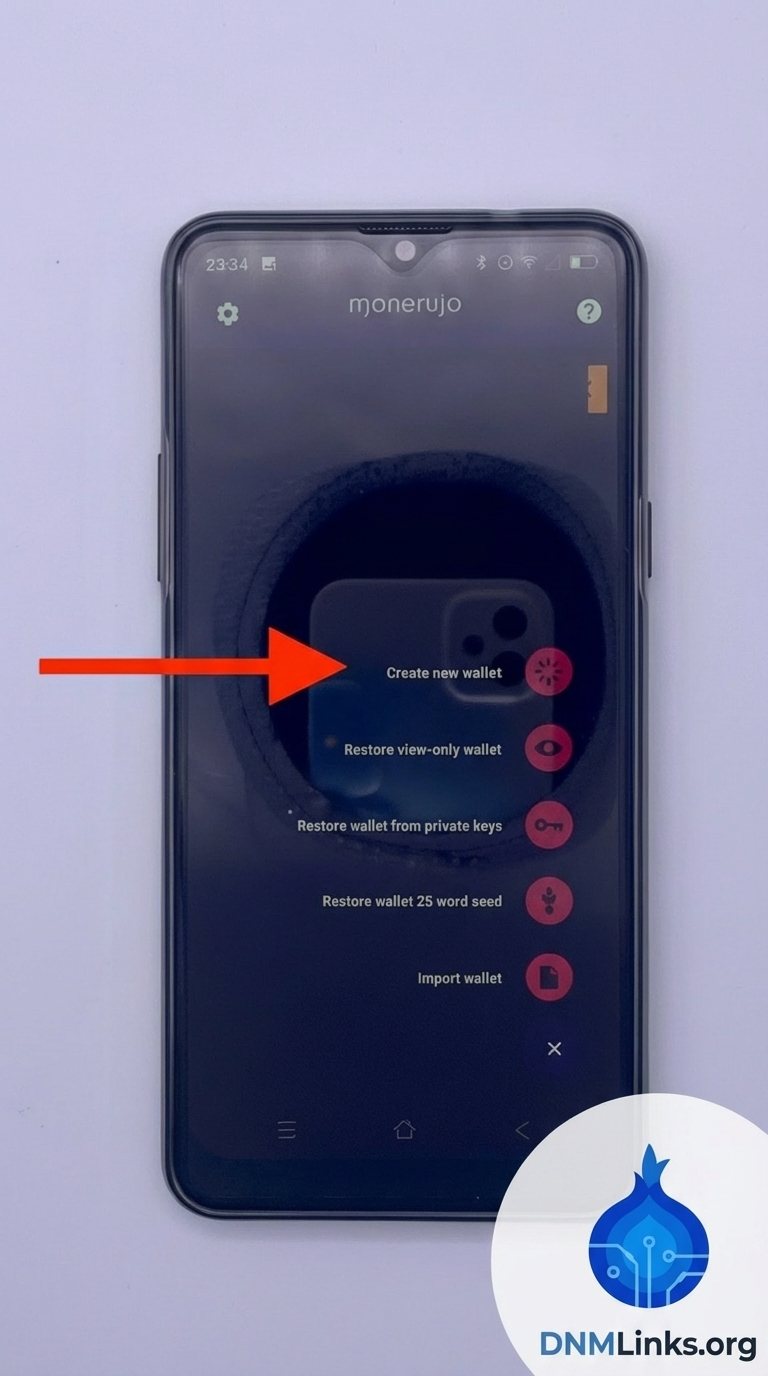
- Tap the floating action button (Usually a + sign).
- Select Create new wallet.
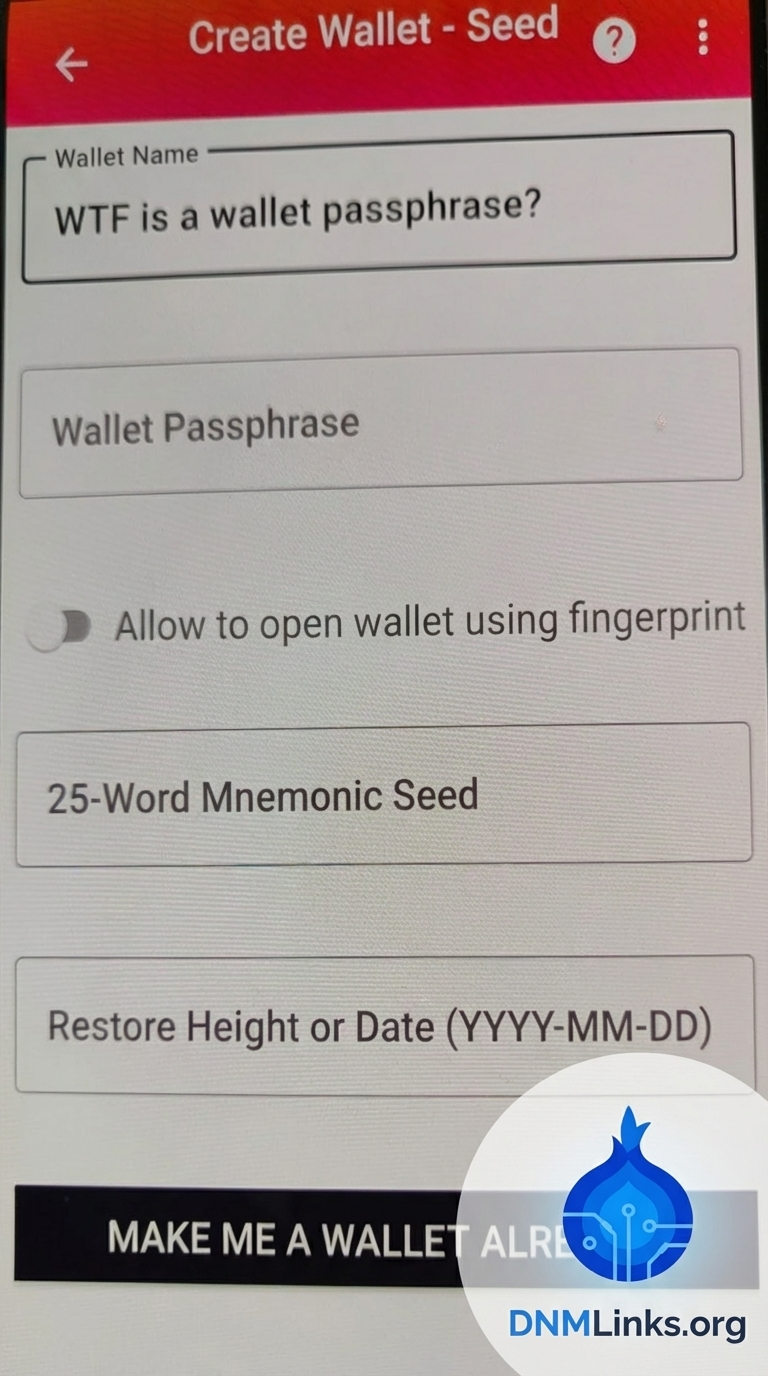
- Give your wallet a name (e.g., "My XMR Wallet").
- Set a strong password. This password encrypts the wallet file on your device.
3 Step 3: Secure Your Seed Phrase
Monerujo will generate a 25-word seed phrase.
Write down the 25 words in the exact order shown on a piece of paper. Do not take a screenshot. This is the master key to your funds.
After writing it down, confirm that you have saved it. You are now ready to use the wallet.
4 Step 4: Syncing & Features
Monerujo needs to sync with a remote node to see your balance. It will automatically find a node, but you can also set a custom one (like a Tor node) in settings.
Unique Feature: SideShift/XMR.to Integration
Monerujo allows you to pay Bitcoin addresses directly from your Monero wallet. If you scan a BTC QR code, the app will ask if you want to use the integrated exchange service to pay it using your XMR balance. This is incredibly useful for vendors who only accept BTC but you want to maintain XMR privacy.

Conclusion
Monerujo is an excellent choice for Android users who prioritize functionality and control. Its support for hardware wallets and integrated swapping features makes it a powerful tool for spending Monero on the go.
Back to Tutorials






